Windows 11 Smart Charging: Protect Your Laptop Battery by Limiting Charge to 80%
Published on: 22/05/2026
Smart Charging in Windows 11 limits your battery to 80% to reduce long-term wear — ideal if you keep your laptop plugged in most of the time.
Windows 11Smart Chargingbattery healthlaptop batterybattery optimization

Windows 11 Battery Tips: 5 Quick Wins That Make a Real Difference
Published on: 22/05/2026
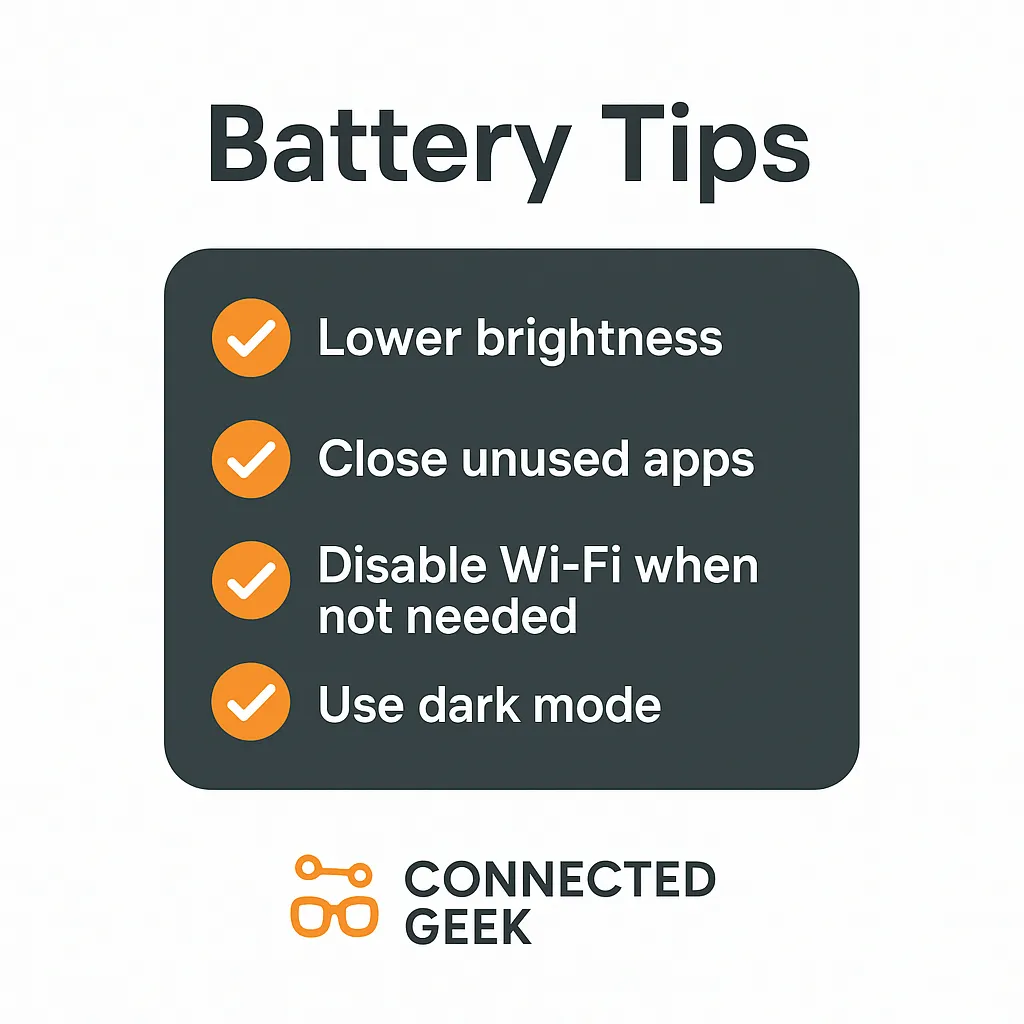
Lower brightness, enable Battery Saver, close unused apps, turn off Bluetooth and Wi-Fi when idle, and switch to dark mode — five small changes for noticeably longer battery life.
Windows 11battery tipsextend battery lifelaptop batteryWindows tips
Save Laptop Battery in Windows 11: Turn Off Wi-Fi and Bluetooth When Idle
Published on: 22/05/2026
Wi-Fi and Bluetooth constantly scan for signals in the background — toggling them off via Win+A Action Centre saves meaningful battery during offline focus sessions.
Windows 11battery savingWi-FiBluetoothlaptop batterypower management

Windows 11 Background Apps: Stop Silent Battery Drain
Published on: 22/05/2026
Background apps silently drain your battery — disable them via Settings → Apps → Installed apps → Advanced options → Background app permissions → Never.
Windows 11battery lifebackground appsoptimize batterylaptop batteryWindows settings